




Introduction
Online banking has changed the way people manage money. Instead of visiting a branch for every transaction, customers can now access banking services from home. If you are wondering how to use SBI online banking, the process is easier than many people think. With a few simple steps, you can transfer funds, check balances, pay bills, and manage accounts securely.
State Bank of India offers internet banking services through its digital platform known as SBI Net Banking. The platform is designed for both personal and business users. It provides convenient access to banking services 24 hours a day.
What Is SBI Online Banking
SBI online banking is an internet-based service that allows customers to access banking features digitally. Instead of visiting a branch, users can complete transactions through a computer or smartphone. The online banking portal helps customers perform many activities. These include checking account balances, transferring funds, opening deposits, downloading statements, and paying utility bills.
One major advantage is convenience. Customers can manage their accounts anytime without waiting in long bank queues. Moreover, the service is secure and user-friendly.
Features of SBI Online Banking
Understanding the features helps users learn how to use SBI online banking more effectively. SBI provides several digital banking tools for daily financial activities. Customers can transfer money using NEFT, RTGS, IMPS, and UPI services. They can also pay electricity, gas, internet, and mobile bills directly from the platform.
Another useful feature is online account statements. Users can download transaction history whenever needed. This is especially helpful for budgeting and record keeping. SBI online banking also allows users to request cheque books, stop cheque payments, and manage debit cards. Additionally, customers can open fixed deposits and recurring deposits online.


How to Register for SBI Online Banking
Before learning how to use SBI online banking, customers must complete registration. The process is simple and usually takes only a few minutes. First, visit the official SBI internet banking portal. Customers need an active SBI account and a registered mobile number.
Click the “New User Registration” option on the homepage. After that, enter account details such as account number, CIF number, branch code, and registered mobile number. An OTP will be sent to the registered mobile number for verification. Once verified, users can create a temporary username and password. After completing registration, customers can log in and change their credentials to activate full access. If online registration does not work, users can also visit the nearest SBI branch for activation assistance.
How to Login to SBI Online Banking
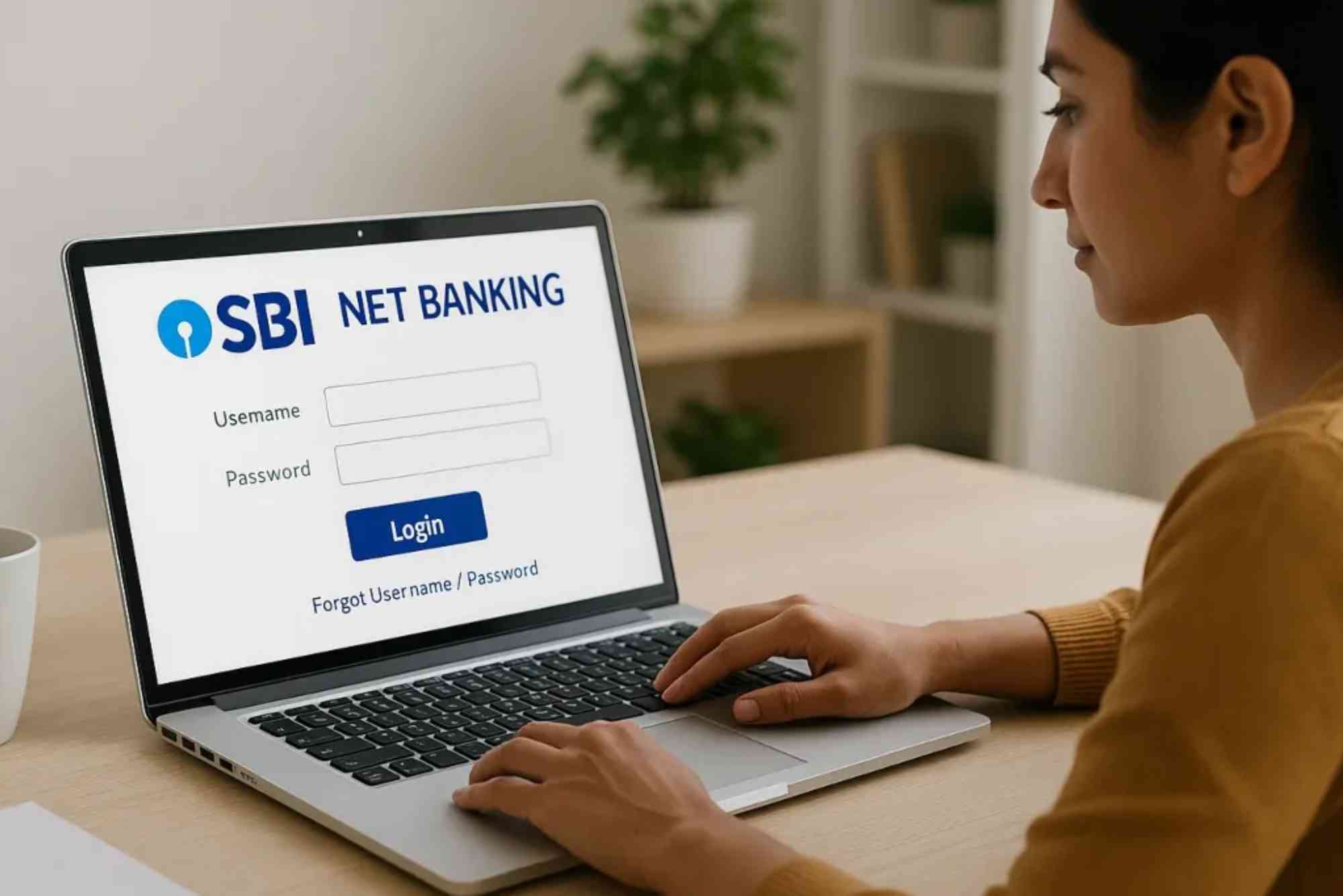
After registration, the next step in understanding how to use SBI online banking is learning the login process. Visit the SBI internet banking website and select the “Personal Banking” section. Enter your username and password carefully. Once logged in, users may need to complete OTP verification for added security. After successful verification, the dashboard opens.
The dashboard displays account balances, recent transactions, and quick access options. From here, users can manage almost every banking activity. Always log out after completing transactions. This protects your account from unauthorized access.
How to Check Account Balance Online
One of the most common reasons people learn how to use SBI online banking is balance checking. After logging into the account, users can easily see account balances on the dashboard. The account summary section displays available balance and transaction details.
Customers can also view mini statements and detailed transaction history. This feature helps users monitor expenses and identify suspicious activity quickly. For better financial management, downloading monthly statements is also recommended.
How to Transfer Money Using SBI Online Banking
Money transfer is one of the most useful online banking services. SBI supports different transfer methods depending on urgency and transaction amount. To transfer money, first add the beneficiary account. This requires the recipient’s account number, bank name, IFSC code, and account type. Once the beneficiary is approved, users can transfer funds using NEFT, RTGS, or IMPS. NEFT works well for standard transfers. RTGS is suitable for high-value transfers. IMPS provides instant transfers any time of day.
Users simply select the transfer option, enter the amount, confirm details, and verify using OTP. The transaction confirmation message appears instantly after successful processing.
How to Pay Bills Through SBI Online Banking
Another important aspect of how to use SBI online banking is bill payment management. Users can pay electricity bills, water bills, mobile recharge payments, broadband bills, and credit card dues directly from the portal.
To start, choose the “Bill Payments” section from the dashboard. Add the biller by entering customer ID or account information. After registration, users can make payments instantly. Some billers also support automatic monthly payments. This feature saves time and helps avoid late payment penalties.
How to Download SBI Account Statement
Digital statements are useful for tax filing, expense tracking, and loan applications. To download statements, log in to the account and open the “Account Statement” section. Select the desired date range and account type.
Users can view statements online or download them as PDF or Excel files. Password-protected PDFs improve security and privacy. Regularly reviewing statements also helps detect unauthorized transactions early.
How to Use SBI Online Banking on Mobile
Many customers prefer mobile banking because it is faster and more convenient. SBI offers mobile banking apps that provide similar features to internet banking. Users can transfer money, check balances, and pay bills directly from smartphones.
After downloading the app, customers must register using their mobile number and ATM card details. Mobile banking is especially useful for quick transactions while traveling or shopping. However, users should only download official banking apps from trusted app stores.
Security Tips for SBI Online Banking
Security is essential when learning how to use SBI online banking. Cyber threats continue to increase, so users must protect their accounts carefully. Always create a strong password using letters, numbers, and symbols. Avoid using birthdays or simple passwords.
Never share OTPs, passwords, or account information with anyone. SBI representatives never ask for confidential details over phone calls or emails. Users should also avoid accessing internet banking through public Wi-Fi networks. Public connections may expose sensitive information.
Common Problems and Solutions
Some users face login or transaction issues while using SBI online banking. Fortunately, most problems are easy to solve. If you forget your password, use the “Forgot Password” option to reset credentials securely.
Sometimes, accounts may become locked after multiple incorrect login attempts. In such cases, users can unlock accounts online or contact customer support. Slow internet connections may interrupt transactions. Therefore, always ensure stable connectivity before starting important transfers. If money is deducted but not received, wait for processing time before reporting the issue. Many failed transactions reverse automatically within a few hours.
Benefits of SBI Online Banking
Understanding the benefits helps customers fully appreciate how to use SBI online banking.
The biggest advantage is convenience. Banking services remain available anytime without branch visits. Online banking also saves time. Customers can complete transactions within minutes instead of waiting in queues. Another major benefit is financial tracking. Users can monitor spending habits and manage savings more effectively. Digital banking also reduces paperwork because statements and receipts are available electronically. Additionally, SBI continuously upgrades security systems to provide safer digital transactions.
Who Should Use SBI Online Banking
SBI online banking is suitable for almost every customer. Students can use it for fee payments and balance checks. Professionals benefit from quick salary management and fund transfers. Business owners can manage supplier payments and transaction records efficiently. Senior citizens also benefit because they can avoid unnecessary branch visits. Even beginners with limited technical knowledge can use the platform comfortably due to its simple interface.
Managing your finances carefully can help you build a secure future and achieve your personal goals with confidence. Learning How to Invest Wisely Your Money? allows you to make smarter financial decisions, reduce risks, and grow your savings over time. A well-planned investment strategy can create long-term stability and better opportunities for financial success.
Frequently Asked Questions
How can I activate SBI online banking at home?
You can activate SBI online banking online using your account details, ATM card, and registered mobile number. OTP verification completes the process.
Is SBI online banking safe to use?
Yes, SBI online banking is secure when users follow safety practices like strong passwords and OTP protection.
Can I transfer money without adding a beneficiary?
No, most transfers require adding and approving a beneficiary account first.
What should I do if I forget my SBI online banking password?
Use the “Forgot Password” option on the login page to reset your password securely.
Can I use SBI online banking on mobile devices?
Yes, SBI offers official mobile banking apps for Android and iPhone users.
Are SBI online banking services available 24/7?
Most services are available all day, including balance checks and IMPS transfers.
Conclusion
Learning how to use SBI online banking can make financial management easier, faster, and more secure. From checking balances to paying bills and transferring funds, the platform offers everything needed for modern banking.
The registration and login process is simple, even for beginners. Moreover, SBI continues improving digital banking services to provide better convenience and stronger security.