




Introduction
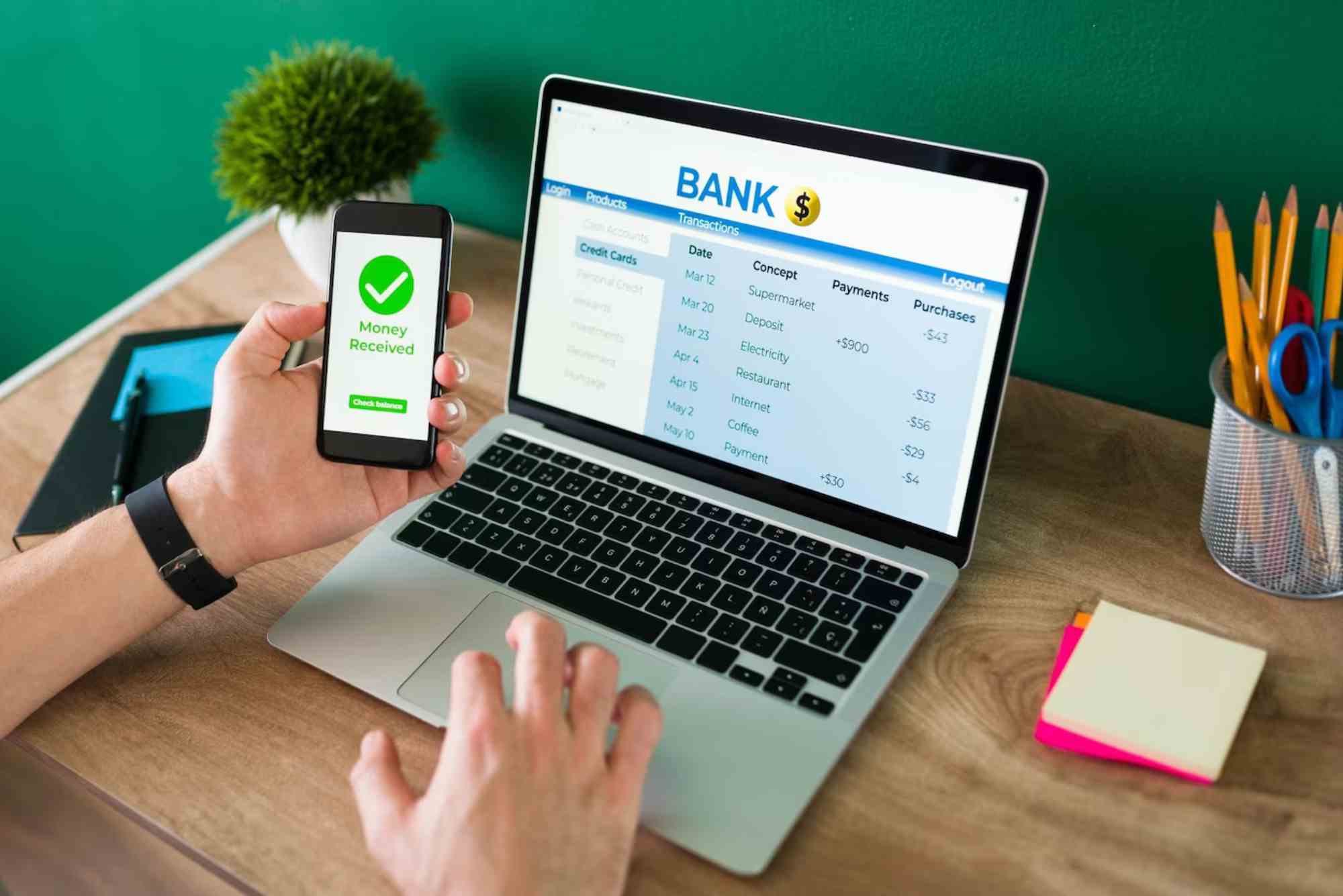
Net banking in the UAE has become an essential tool for managing finances efficiently. Whether you want to pay bills, transfer money, or track your account, online banking provides a secure and convenient solution. Starting net banking may seem daunting if you’re new to it, but with the right guidance, you can get set up quickly and confidently. This guide walks you through the entire process, from eligibility to performing your first online transaction.
Understanding Net Banking in the UAE
What is Net Banking?
Net banking, also called online banking, allows bank customers to access their accounts over the internet. It eliminates the need to visit a branch for most banking tasks. Services typically include checking balances, transferring funds, paying bills, managing credit cards, and even applying for loans.
Benefits of Net Banking
- Convenience: Access your account 24/7 from anywhere in the UAE.
- Faster Transactions: Immediate fund transfers and bill payments.
- Account Management: Track spending, download statements, and manage multiple accounts.
- Security: Banks implement strong security protocols to protect your information.
Requirements for Starting Net Banking
Before you can start net banking in the UAE, you need to meet a few essential requirements.
Basic Eligibility
- UAE Resident or Citizen: Most banks require you to have a valid UAE residency or citizenship.
- Bank Account: You must have an active bank account with a UAE-based bank.
- Valid Contact Details: A registered mobile number and email address are usually required for verification.
Necessary Documents
- Passport and Emirates ID for identity verification.
- Account number and debit/credit card details.
- Mobile number and email linked to your bank account.
Steps to Start Net Banking in the UAE
Starting net banking is simple if you follow these step-by-step instructions.
Visit Your Bank’s Website or App
Most UAE banks provide online registration for net banking directly through their website or mobile app. Popular banks include Emirates NBD, Abu Dhabi Commercial Bank (ADCB), and Dubai Islamic Bank. Navigate to the “Net Banking” or “Register” section.
Enter Account Information
Provide your account number, debit/credit card number, and personal details as requested. Some banks may also ask for your Emirates ID or passport number.


Set Up Login Credentials
Create a secure username and password. Follow the bank’s guidelines to ensure your password is strong. Some banks also require setting up a security question for additional protection.
Verify Your Identity
You may receive a One-Time Password (OTP) on your registered mobile number or email. Enter the OTP to confirm your identity and complete the registration process.
Log In and Explore
Once registered, log in to your net banking account. Familiarize yourself with the dashboard, available features, and settings. It is recommended to enable two-factor authentication for added security.
Security Tips for Net Banking
Use Strong Passwords
Avoid using easily guessable passwords. Include a mix of letters, numbers, and special characters.
Enable Two-Factor Authentication
Two-factor authentication adds an extra layer of protection by requiring a second form of verification, typically an OTP or authentication app.
Avoid Public Wi-Fi
Public networks are vulnerable to cyber attacks. Access net banking only on secure, private networks.
Monitor Account Activity
Regularly check your transactions and statements to spot any unusual activity. Immediately report suspicious transactions to your bank.
Common Features of UAE Net Banking
Fund Transfers
Transfer money between your accounts or to other banks in the UAE instantly.
Bill Payments
Pay utility bills, credit card bills, and other recurring payments conveniently.
Account Statements
Download monthly statements in PDF format for personal records or financial planning.
Loan Management
Apply for loans or track existing loan payments through net banking portals.
Advantages of Using Net Banking in the UAE
- Time-Saving: No need to wait in lines at the bank.
- 24/7 Access: Manage finances anytime.
- Financial Tracking: Keep an accurate record of expenses and balances.
- Instant Notifications: Receive alerts for all account activity.
Starting net banking in the UAE is a straightforward process that offers unmatched convenience, security, and control over your finances. By following the steps above and prioritizing safety, you can enjoy the full benefits of online banking without stress. Begin today to simplify your financial life and access banking services anytime, anywhere.
Take the first step and register for net banking with your bank today to experience seamless financial management.
FAQs
How do I register for net banking in the UAE?
Visit your bank’s website or app, provide your account and personal details, create login credentials, and verify your identity using an OTP.
Is net banking safe in the UAE?
Yes, UAE banks use advanced security measures such as two-factor authentication, encryption, and real-time monitoring to protect your account.
Can I use net banking on my phone?
Absolutely. Most UAE banks offer mobile apps for both Android and iOS, providing full access to net banking features.
What should I do if I forget my net banking password?
You can reset your password through your bank’s website or mobile app by verifying your identity with an OTP sent to your registered mobile or email.
Are there fees for using net banking in the UAE?
Most banks in the UAE provide net banking services free of charge, though some specialized services may have fees.
If you’re wondering How to Change my Mobile Number in BDO Online Banking, the process is simple and secure. Log in to your BDO online account, go to Profile Settings, select Update Mobile Number, and follow the verification steps. Ensure your new number is active to receive OTPs and notifications for seamless banking updates.