




Introduction
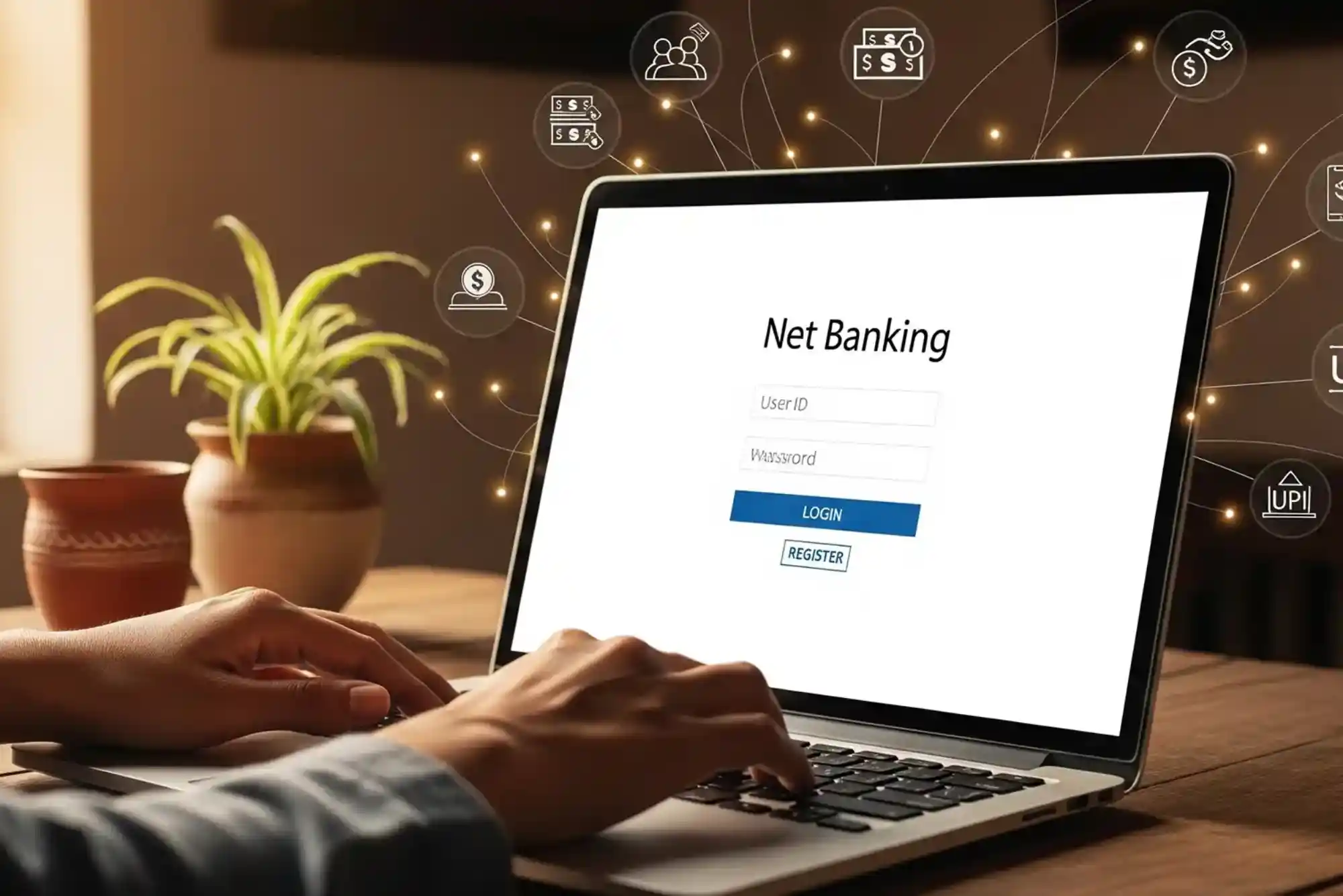
Net banking has made everyday banking much easier in the UAE. Customers can manage accounts, transfer money, pay bills, and monitor transactions online. You no longer need to visit a branch for many routine banking tasks. If you want to know How to Do Net Banking in the UAE, the process is generally simple once your account and digital banking access are ready.
Most UAE banks provide online banking through a website or mobile application. However, registration steps can differ between banks. You usually need an active bank account, a registered mobile number, and valid identification details. Your bank may also require a debit card or customer number during registration.
This guide explains how UAE net banking works, how to register, how to make transactions, and how to keep your online banking account secure.
What Is Net Banking in the UAE?
Net banking is a digital banking service that allows customers to access their bank accounts through the internet. Instead of visiting a physical branch, customers can use a bank’s secure website or application.
Through online banking, customers can check account balances and transaction histories. They can also transfer funds, pay utility bills, manage cards, and download account statements.
The exact services depend on the bank and account type. Nevertheless, most major UAE banks offer a broad range of digital services.


Understanding How to Do Net Banking in the UAE starts with knowing the difference between online banking and traditional branch banking. Online banking is available beyond normal branch hours. Therefore, it provides greater convenience for people with busy schedules.
How to Do Net Banking in the UAE
The first step is to confirm that your bank provides internet banking. Most established banks in the UAE offer this service to personal and business customers.
You normally need an active bank account before registering. Your mobile number should also be registered with the bank. This number is important because banks often use one-time passwords for verification.
Visit your bank’s official website or open its official mobile banking application. Look for options such as “Register,” “Sign Up,” or “New User.”
Enter the requested information carefully. The bank may ask for your account number, debit card information, customer ID, or other verification details.
After completing verification, you can create your online banking username and password. Some banks may require additional security verification before activating access.
Once registration is complete, return to the official banking website or application. Enter your login credentials and complete any requested authentication.
This is the basic process for How to Do Net Banking in the UAE. However, always follow your bank’s current instructions because registration procedures can change.
What Do You Need for UAE Net Banking?
Before starting online banking, prepare the information your bank requires. An active UAE bank account is usually essential. You also need a registered mobile number.
Your Emirates ID or other identification information may be required during registration. Some banks also use debit card details or customer numbers to confirm your identity.
A reliable internet connection is important as well. If you use mobile banking, keep your smartphone updated. You should also install the official banking application from a trusted app store.
Never register through a link sent by an unknown person. Instead, type the bank’s official website address yourself or use its verified application.
How to Log In to Net Banking
After completing registration, logging in is generally straightforward. Open your bank’s official website and select the online banking login option.
Enter your username or customer ID and password. Depending on your bank, you may then receive a one-time password or another authentication request.
Complete the verification process to access your account. Some banks also support biometric authentication through their mobile applications.
If you forget your password, use the bank’s official password recovery option. Avoid repeatedly entering incorrect credentials because your account could become temporarily locked.
Knowing How to Do Net Banking in the UAE also means understanding safe login habits. Always log out after using online banking on a shared or public computer.
Checking Your Bank Balance Online
One of the most common reasons customers use online banking is to check their balance. After logging in, your available balance is usually displayed on the account dashboard.
You can also review recent transactions. This helps you identify payments, transfers, deposits, and withdrawals.
Regularly checking your account can help you notice unfamiliar transactions quickly. If something looks suspicious, contact your bank through its official customer service channels.
Many banking applications also provide notifications for card purchases and account activity. These alerts can make financial monitoring easier.
How to Transfer Money Through Net Banking
Online banking makes domestic and international transfers more convenient. However, the exact transfer process depends on your bank and destination.
After logging in, open the transfers or payments section. Select the type of transfer you want to make.
For another UAE account, you may need the recipient’s account or IBAN information. For international transfers, additional details may be required.
Enter the recipient information carefully. Double-check the account number, IBAN, name, amount, and transfer purpose before confirming.
Your bank may request a one-time password or other authentication. Once the transaction is confirmed, save the reference number for future records.
Transfer fees and processing times vary between banks. International transactions may also involve intermediary banking charges.
Paying Bills Through UAE Net Banking
Another useful feature is online bill payment. Depending on your bank, you may be able to pay electricity, water, telecommunications, credit card, and other bills.
Open the payments section after logging in. Select the relevant biller and enter the required customer or account information.
Review the payment amount before confirmation. After completing the transaction, keep the digital receipt or reference number.
Automatic payments may also be available for certain services. These can reduce the risk of missing recurring payment deadlines.
Managing Credit and Debit Cards Online
Many UAE banking platforms allow customers to manage their cards digitally. Available features can include viewing card details, checking transactions, and controlling certain card settings.
Some applications allow customers to temporarily block a card. This can be useful if you cannot immediately locate it.
You may also be able to request replacement cards or change certain limits. However, available features depend on your bank.
Always review your card transactions regularly. Reporting unauthorized activity quickly can help reduce potential financial losses.
Downloading Bank Statements Online
Net banking can also eliminate the need to visit a branch for routine statements. Most digital banking platforms allow customers to view or download account statements.
Choose the account and required date range. The platform may allow you to download the statement as a PDF or another supported format.
Digital statements can be useful for budgeting, accounting, rental applications, and financial documentation.
Keep important financial documents in a secure location. Avoid storing sensitive statements on unsecured public devices.
Is Net Banking Safe in the UAE?
Online banking can be secure when customers follow appropriate security practices. UAE banks use various authentication and security technologies to protect digital transactions.
However, customers also have an important role in protecting their accounts. Your username, password, authentication codes, and banking information should remain private.
Never share a one-time password with another person. Banks generally do not need you to disclose security codes over unsolicited calls or messages.
Be particularly careful with unexpected messages claiming to be from your bank. Phishing attempts can imitate legitimate banking communications.
Before entering your credentials, verify that you are using your bank’s official website or application.
Common Net Banking Problems and Solutions
Sometimes customers experience problems while using online banking. A forgotten password is one of the most common issues.
Use the official password-reset process instead of asking another person for assistance. If your account is locked, contact the bank through its verified support channel.
Internet connectivity can also interrupt banking sessions. If a transaction appears incomplete, check your transaction history before attempting it again.
This prevents accidental duplicate payments. If money has been deducted but the transaction status remains unclear, contact the bank and provide the transaction reference.
Another common problem involves one-time passwords. Check that your registered mobile number is active and receiving messages.
If you continue experiencing problems, your bank’s customer support team can provide account-specific assistance.
Tips for Safer Online Banking
Security should always be part of How to Do Net Banking in the UAE. Create a strong password that is difficult to guess. Avoid using the same password for multiple services.
Enable biometric login or additional security features when your bank provides them. Keep your phone, browser, and banking application updated.
Avoid conducting banking transactions over unsecured public Wi-Fi. Instead, use a trusted private connection whenever possible.
Never click suspicious banking links received through email, SMS, or social media. Open the official banking application directly.
You should also activate transaction notifications when available. These alerts can help you identify unauthorized activity quickly.
Most importantly, never share passwords, PINs, or one-time passwords. Treat these details as confidential financial credentials.
Net Banking vs Mobile Banking in the UAE
Net banking traditionally refers to accessing financial services through a bank’s website. Mobile banking usually refers to services provided through a smartphone application.
Both options can provide similar services. However, mobile applications may offer convenient features such as biometric login and push notifications.
Website banking can be useful when customers prefer a larger screen. Mobile banking may be more convenient for everyday transactions.
The best option depends on your preferences and your bank’s digital services. Many customers use both platforms for different purposes.
Who Can Use Net Banking in the UAE?
UAE bank customers who meet their bank’s eligibility requirements can generally register for digital banking. Requirements can vary between residents, non-residents, personal customers, and businesses.
Your bank may require identity verification before activating online access. Some account types may also have specific registration conditions.
If you are unsure about eligibility, contact your bank directly. Use the telephone number or support option shown on its official website or application.
Keeping your online banking password secure is essential for protecting your financial information. If you use Standard Chartered in the UAE, knowing the correct steps to update your credentials can improve account security. This helpful guide on How to Change Password in Standard Chartered Online Banking in the UAE explains the process clearly and offers useful tips for maintaining safer online banking.
Frequently Asked Questions
How can I do net banking in the UAE?
To do net banking in the UAE, register through your bank’s official website or application. You normally need an active account and registered mobile number. Complete identity verification and create your login credentials. You can then access services such as transfers, payments, statements, and balance checks.
Can I use net banking without visiting a bank?
In many cases, yes. Banks increasingly provide digital registration and verification options. However, some customers may need additional verification depending on their account or banking requirements.
Is internet banking safe in the UAE?
Online banking uses security measures such as passwords, encryption, and transaction authentication. Customers should still protect their credentials and avoid suspicious links. Never share one-time passwords with anyone.
Can I transfer money through UAE net banking?
Yes, most UAE banks allow customers to make domestic and international transfers online. You generally need recipient details and may need to complete additional authentication.
Can I pay utility bills through net banking?
Many UAE banks provide online bill payment services. Available billers vary by bank. Customers can usually access these services through the payments section of their online banking account.
What should I do if I forget my online banking password?
Use the password recovery option provided by your bank. Follow the identity verification instructions. If recovery does not work, contact your bank through an official support channel.
Conclusion
Learning How to Do Net Banking in the UAE can make everyday financial management faster and more convenient. Once your online banking access is activated, you can manage many banking tasks without visiting a branch.