



Introduction
If you have taken a loan from the Higher Education Loans Board (Helb) in Kenya, keeping track of your loan balance is crucial. Knowing your Helb loan balance helps you plan repayments, avoid penalties, and manage your finances effectively. This guide will walk you through the various ways to check your Helb loan balance quickly and efficiently.
Understanding Helb Loans
Helb provides financial assistance to Kenyan students pursuing higher education. The loans are designed to cover tuition, accommodation, and other related expenses. Once you graduate, you are required to repay the loan according to the terms outlined in your agreement. Staying informed about your loan balance ensures you maintain a good repayment history and avoid unnecessary interest accumulation.
Ways to Check Your Helb Loan Balance
There are several convenient ways to check your Helb loan balance. These methods are designed to give you quick access to your account information.
Checking Helb Loan Balance Online
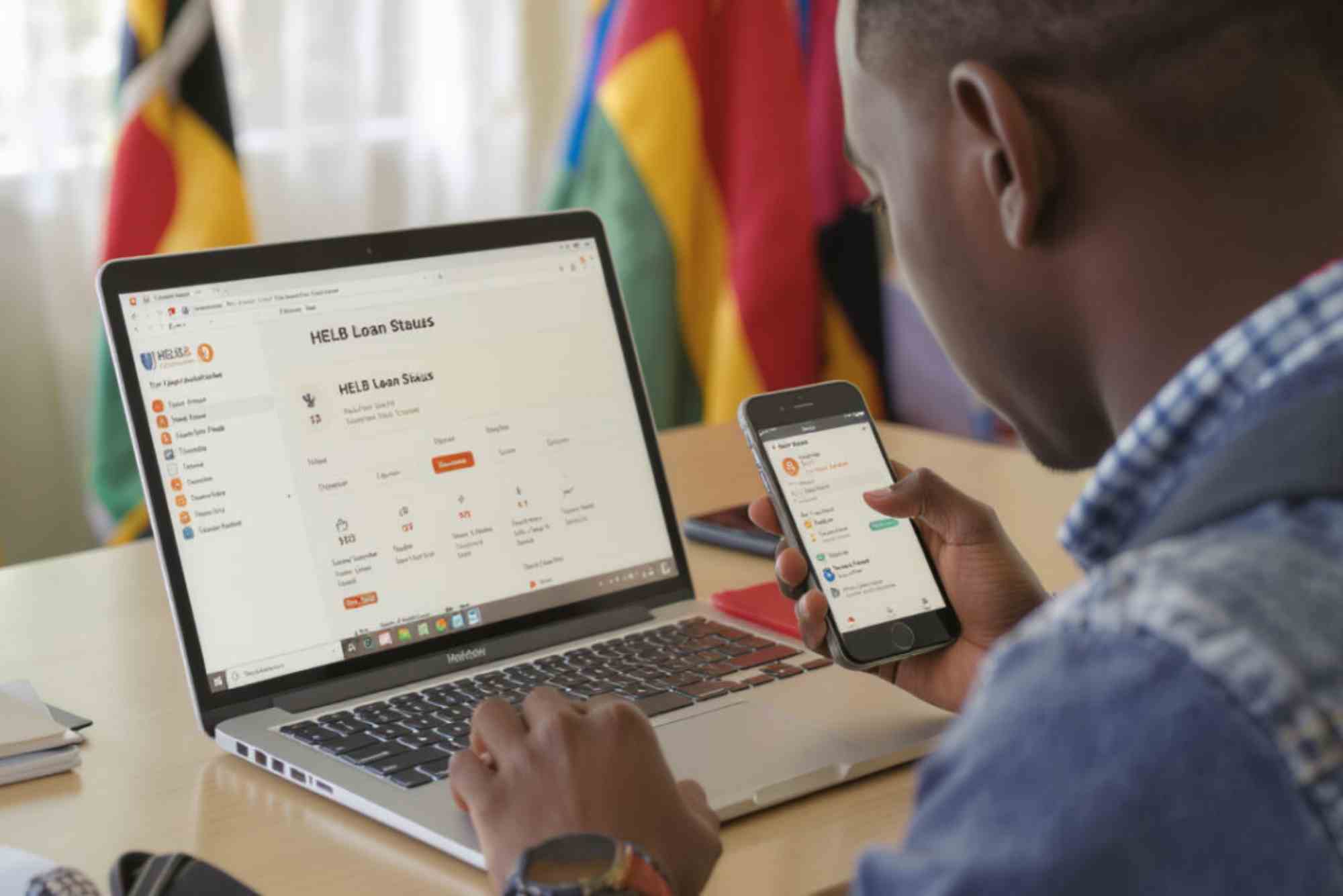
The Helb online portal allows users to view their loan balance anytime.
Steps to Check Online
- Visit the official Helb portal.
- Log in using your username and password.
- Navigate to the “Loan Details” section.
- View your outstanding loan balance and repayment schedule.
Tips: Make sure your Helb account is registered and active. Regularly logging in helps you monitor any updates or changes to your loan.
Using USSD Code to Check Helb Loan Balance
If you prefer mobile options, Helb provides a USSD service for quick balance checks.


Steps to Check via USSD
- Dial the Helb USSD code (*642#) from your mobile phone.
- Follow the prompts to access your loan account.
- Select the option to view your outstanding loan balance.
Advantages: USSD checks are fast, do not require internet access, and are accessible from any mobile phone.
Checking Your Balance Through Helb Mobile App
Helb has developed a mobile application that allows borrowers to manage their loans.
Steps to Use the Mobile App
- Download the official Helb mobile app from Google Play Store or Apple App Store.
- Log in with your credentials.
- Select “Loan Summary” to view your balance and repayment history.
Note: The app also provides notifications for repayment deadlines and new loan disbursements.
Visiting a Helb Office
For borrowers who prefer face-to-face assistance, visiting a Helb office is an option.
Steps for In-Person Inquiry
- Locate the nearest Helb office in your county or city.
- Carry a valid ID and your Helb loan documents.
- Request a statement of your outstanding loan balance from the officer.
Tip: Offices can also assist if there are discrepancies or errors in your online account.
Checking Helb Loan Balance via Email or Phone
If you cannot access the portal, app, or office, Helb customer service can provide your balance information.
Steps to Inquire via Phone or Email
- Call Helb customer care and provide your loan reference number.
- Send an email requesting your loan balance. Include your personal details and loan account number.
Advantages: This method is helpful for borrowers in remote areas or those with limited internet access.
Benefits of Regularly Checking Your Helb Loan Balance
Monitoring your Helb loan balance regularly has several advantages:
- Avoid Penalties: Ensure timely repayments to prevent penalties or legal action.
- Financial Planning: Helps you budget and plan your finances effectively.
- Error Detection: Quickly identify discrepancies or errors in your loan account.
- Peace of Mind: Staying informed reduces stress about repayment obligations.
Tips for Managing Your Helb Loan
Checking your balance is just one step toward responsible loan management. Consider these tips:
- Make early or extra payments when possible to reduce interest.
- Set reminders for repayment deadlines.
- Keep all loan-related documents safe and organized.
- Contact Helb immediately if there are issues with your account.
FAQs
How can I check my Helb loan balance for free?
You can use the Helb online portal, USSD code (*642#), or mobile app. These methods are free and accessible anytime.
Can I check my Helb loan balance without an internet connection?
Yes, using the USSD service allows you to check your balance without internet access.
How often should I check my Helb loan balance?
It’s advisable to check at least once a month or before making any repayments to stay updated.
What should I do if my Helb loan balance is incorrect?
Contact Helb customer service immediately via email, phone, or in-person to report discrepancies.
Can I download my Helb loan statement?
Yes, the online portal and mobile app allow you to download your loan statement for record-keeping.
Keeping track of your Helb loan balance is vital for effective financial management and avoiding repayment issues. Whether you choose the online portal, USSD code, mobile app, or in-person visits, accessing your loan information is now easier than ever. Stay proactive, check your balance regularly, and make timely repayments to maintain a healthy financial record.
Looking to manage expenses or fund urgent needs? How to Avail Personal Loan is simpler than you think. Start by checking your eligibility, comparing lenders for best rates, and preparing necessary documents like ID and income proof. Apply online or at a branch, and once approved, funds are usually disbursed quickly to help you meet your financial goals efficiently.